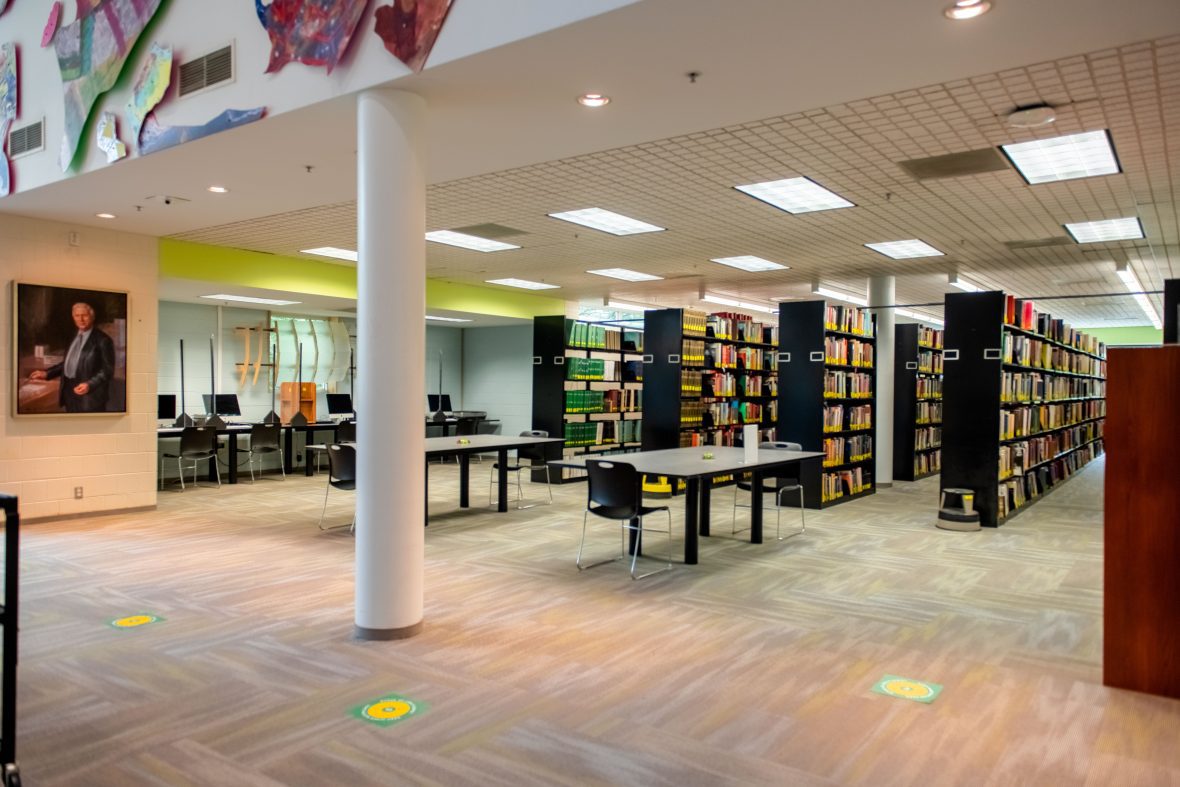
Established in 1979, the collection has expanded to meet the needs of required and elective courses for both undergraduate and graduate programs. Image holdings include collections for major historical periods from the time of ancient and prehistoric cultures through the 21st century. The VRC provides images for classroom and research purposes, archives student digital work, aids in College fundraising, supports student multimedia projects and collaborates with other departments and communities.
See online collections at JSTOR: There are millions of primary sources available in JSTOR. The VRC collection includes almost 12,000 images, sound and video files of CoA+A student and faculty work, from the 1970s through the present, as well as 133,000 commercial art and architecture images; account registration required.
Use of Student and Faculty Work: CoA+A may use digital copies of student and faculty work for educational purposes, including archival, teaching, research, recruitment, promotion and fundraising. The Student Works Form and Faculty Non-Exclusive License serve as notification of this protocol and your rights.
Saving Digital Images
The CoA+A has established guidelines for saving digital images. The Visual Resources Collection (VRC) collects images of student work in order to create an archival resource for publication, teaching and promotional purposes.
We also welcome high-resolution architectural images taken during travel (especially of new architecture) to add to the collection. Please follow the guidelines below when shooting and turning in images.
Image Format:
- When shooting images, use the highest resolution possible.
- Save the image as .tif, .jpg, or .png format, or RAW format.
- Preferred image size is approximately 2000 x 3000 pixels (results in an 18-22 MB image).
- Minimum acceptable resolution is 1024 x 768 pixels.
To submit images for possible inclusion in the Visual Resources Collection, please email Visual Resources Lecturer Jenna Duncan for a Media Donor Agreement.
Submission of Media
Faculty and students may submit photographs, audio or video recordings, or other digital representations of their work to the Visual Resources Collection. If you own materials that you find useful in the classroom, consider donating them to the VRC. Offered resources must not duplicate resources currently in the VRC and must be accompanied with appropriate identifying information. Minimum information includes: creator’s name, title / subject name and location, creation date, date photographed, photographer’s name.
To donate materials to the VRC, email them to jduncan@charlotte.edu, send them through inter-office mail, or bring them to the VRC.
When you donate materials, you are agreeing to the scholarly use of those materials by the COA+A community. They may be used in various formats; they may not be added to the collection. The Media Donor Agreement must be filled out and signed when materials are donated to the VRC.
VCR Policies
(1) In keeping with copyright fair use guidelines, the VRC does not produce or reproduce resources for personal use. Only resources needed for classroom use and teaching purposes at UNC-Charlotte will be processed and added to the VRC collection. No resource will be processed unless it is also to be added to the VRC collection.
(2) The VRC exists primarily to support the curriculum. For this reason, faculty may submit image requests based on the need for new images for teaching and research.
- If you are teaching a new class, submit your image needs as soon as possible; the image order will be prioritized with other faculty requests. The VRC will need the image source, i.e., books, digital images, etc., to prepare the image and corresponding record. Images will not be prepared and entered into the database without related data.
- If you are teaching an existing class, your image order will be prioritized with other faculty requests. Requests will be processed as quickly as possible.
Copyright Policy
The CoAA Visual Resources Collection will acquire and make available images in accordance with the United States Copyright Act (U.S. Copyright Act of 1976, U.S. Code Title 17) and the University of North Carolina at Charlotte University Policy 315, Copyright Policy.
The CoAA Visual Resources Collection will rely on the Educational Fair Use Guidelines for Digital Images, developed by CONFU: Conference on Fair Use, as well as the Image Collection Guidelines of the Visual Resources Association in its efforts to comply with United States copyright law.
Reproduction, distribution, downloading, copying, or publication of images may be subject to restrictions. For clarification on use limitations, see the Digital Image Rights Computator (DIRC), the Copy Photography Computator, or contact Jenna Duncan.